Keyloom
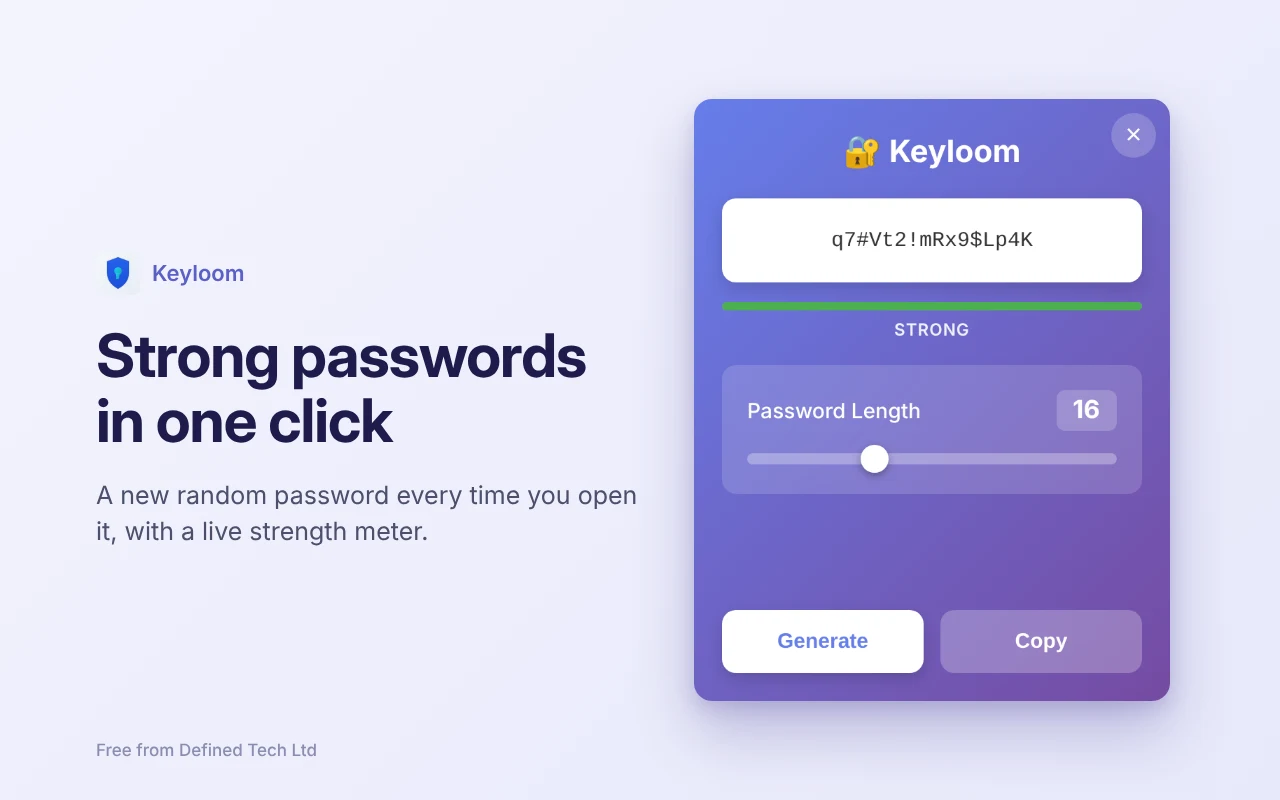
Strong passwords in one click. A free password generator for your browser. Free, offline and private.
Keyloom is waiting for Chrome Web Store approval. Until then, install it from this download in about two minutes: follow the install steps.
- Version1.2.0
- Updated14 November 2026
- Works inChrome, Edge, Brave
- PermissionsNone
Collects no data. Read the Keyloom privacy policy.
What Keyloom does
One click
A new random password is ready the moment you open Keyloom. Click Generate for another, then Copy.
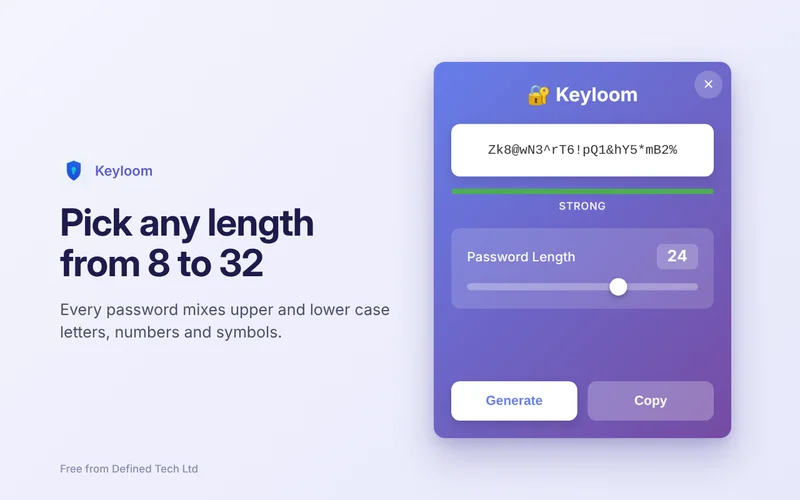
Any length from 8 to 32
Every password mixes upper and lower case letters, numbers and symbols. A live meter shows how strong it is.
Genuinely random
Passwords come from your browser’s cryptographically secure random number generator, so each one is unpredictable.
Private by design
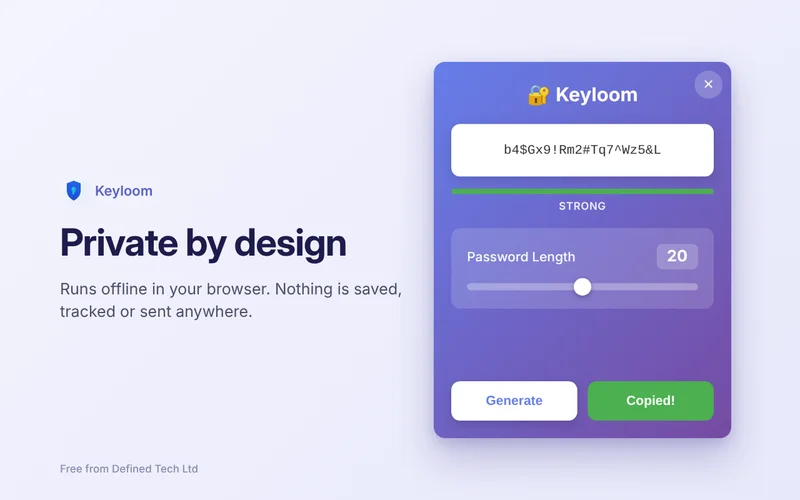
Works offline and asks for no browser permissions. It can’t see the sites you visit, and nothing is saved, tracked or sent anywhere.
Why it asks for nothing
Most extensions ask to “read and change data on websites you visit”. Keyloom doesn’t, because it doesn’t need to. It only creates a password inside its own pop-up and puts it on your clipboard when you click Copy. It never reads your clipboard, and it never connects to the internet.
Questions?
We’re a small local team, and we’re happy to help. Reach out any time and we’ll get back to you personally.